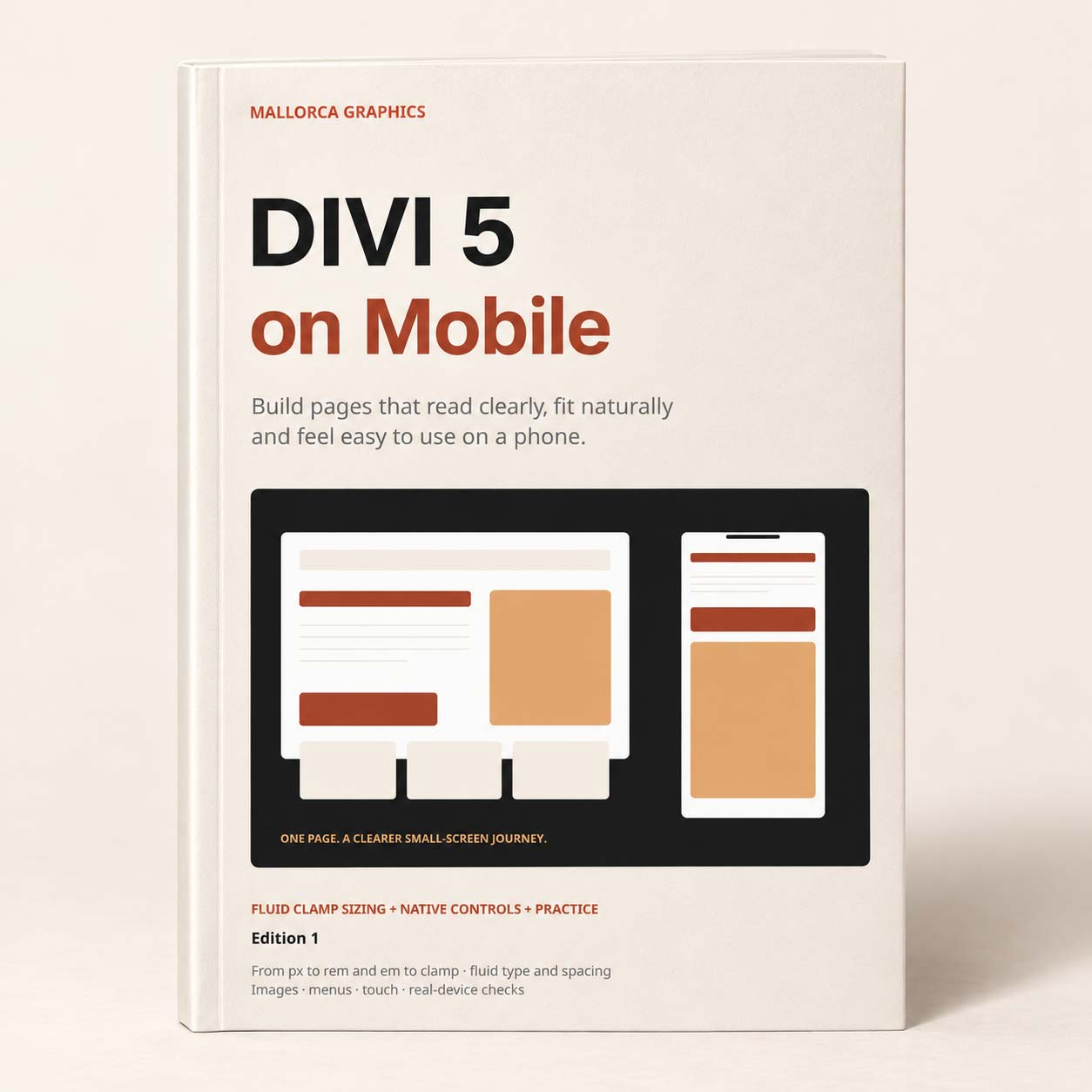
Divi 5 on Mobile
Precio:
12.90€

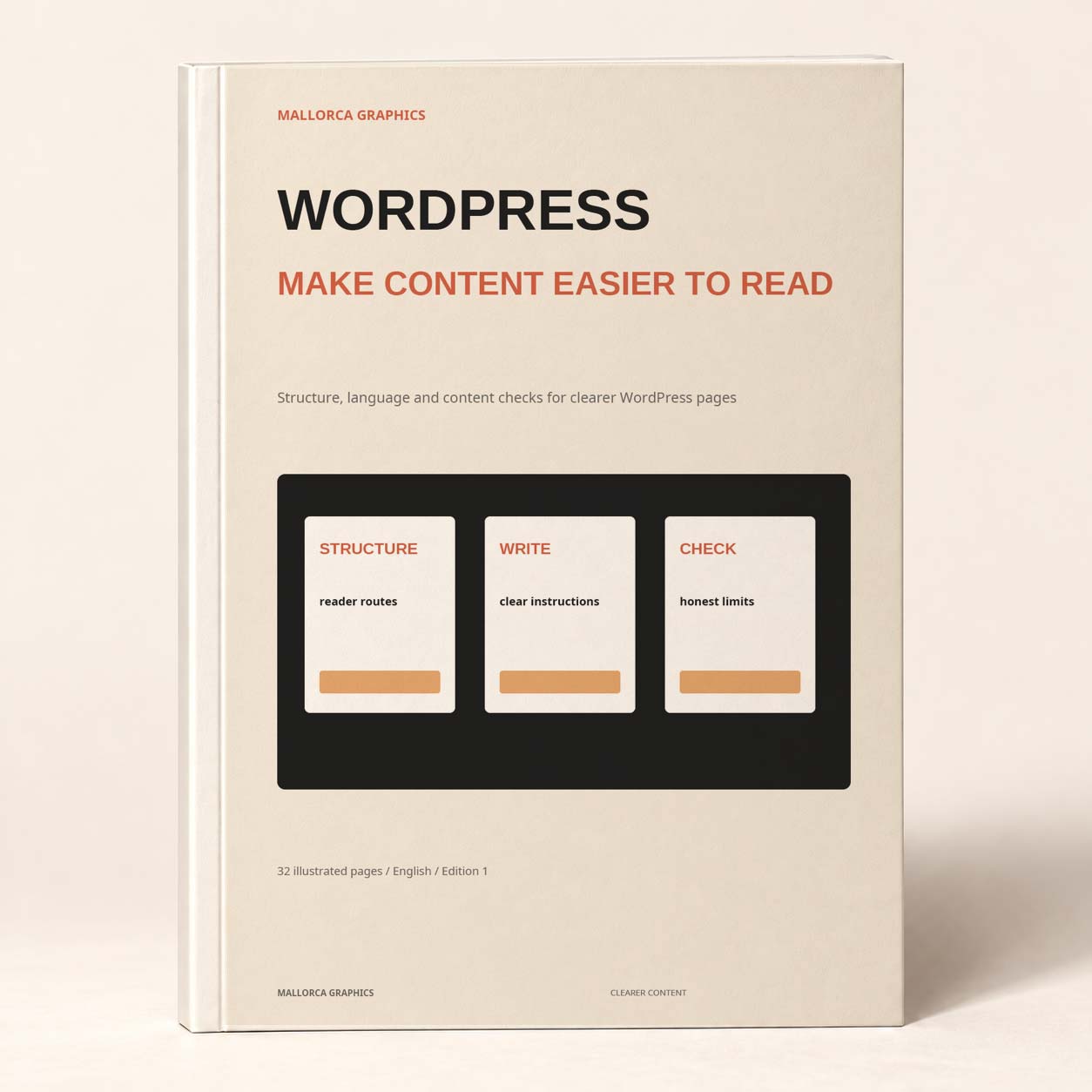
Improve the structure and wording of your pages with this 32-page illustrated WordPress content guide and four browser-based exercises. Repair headings, replace vague service copy, write clearer links and explain image choices, then save edited HTML pages and a documented content review.
WebDesign
Help readers find the answer, understand the offer and take the next step. WordPress: Make Your Content Easier to Read is a 32-page illustrated WordPress content readability guide for improving the words and structure of practical website pages.
The book starts with a reader and a task. You decide what that person needs to understand, bring the useful answer forward and organise the page into sections that make sense on their own. Before-and-after examples show how to replace empty introductions and abstract language with concrete instructions, specific deliverables and predictable routes.
Readability also depends on how the content is presented. The guide connects writing with heading levels, lists, comparison tables, link labels, image alternatives and form instructions. You learn to look beyond an attractive paragraph and ask whether the reader can follow the full page, including its preparation requirements, limits and next action.
Make each part of the page do useful work
What is included
Your digital download contains the 32-page illustrated PDF and four local browser exercises. The book's worked examples include a café menu-design service; the practice pack gives you a fictional bike-fitting page to revise. You repair its heading outline, replace vague preparation and outcome statements, improve a link and record contextual image decisions.
The first three exercises let you edit HTML and CSS, preview the changes and download complete pages to reopen in a browser or plain-text editor. The fourth produces a text review record showing what changed, where the evidence appears and which checks still need attention. A browser start page helps you move between the exercises.
Who it is for
This book suits WordPress editors, small-business owners, writers and designers who maintain service pages or other task-focused content. You can complete the practice with a desktop browser and plain-text editor; a live WordPress site is not needed for those exercises. Applying the work to a website requires editing access and separate checks of the actual theme, forms and assistive-technology behaviour. The local files do not publish changes, and the guide does not provide accessibility or legal certification. Software licences are not included. This is an independent Mallorca Graphics guide.
Unable to load reviews. Please try again later.
No reviews yet. Be the first to write a review!