From Word to Print: Your First Publication in InDesign
Precio:
17.90€

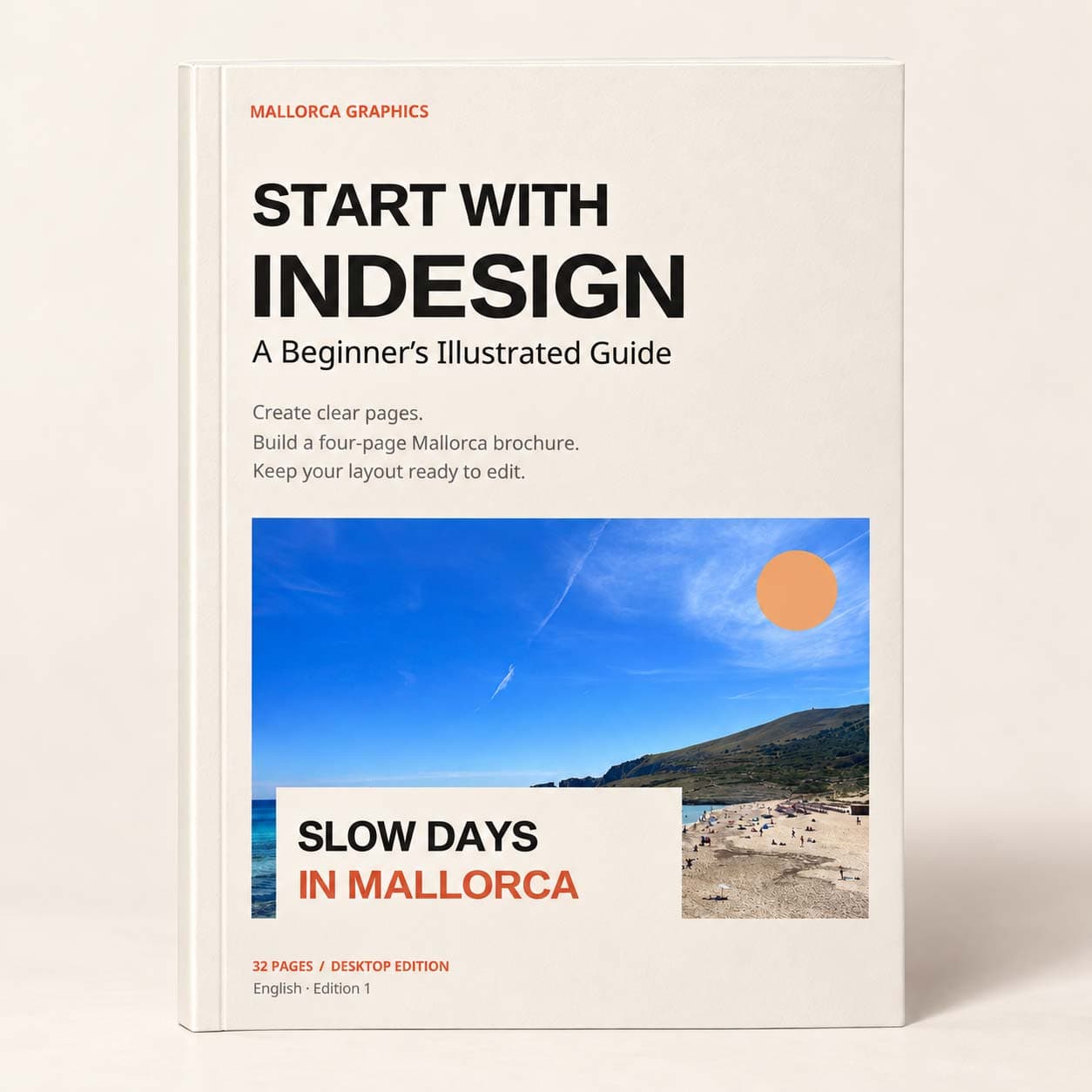
Build your first four-page brochure with this 32-page illustrated InDesign PDF and downloadable practice files. Learn frames, linked images, text styles, parent pages, preflight and PDF export through a complete A5 Mallorca brochure project.
Adobe InDesign
Turn words and photographs into pages you can organise, revise and share. Start with InDesign: A Beginner's Illustrated Guide is a 32-page InDesign beginner's guide built around one achievable outcome: a complete four-page A5 Mallorca brochure. A page-layout project becomes easier when you understand what belongs in a frame, where an image file is stored and how text moves between pages.
This guide introduces those relationships in a practical order. You begin with the workspace and document setup, then learn the core tools before building the brochure from the supplied copy and photographs.
Build a small publication from the ground up
The guided project connects these skills across a cover, inside spread and back page. Instead of choosing new formatting for every heading, you build a small system of styles. Instead of treating the exported PDF as automatically finished, you learn to inspect the saved document and delivery files. Troubleshooting notes and a three-session practice plan help you return to the work with a clear next step.
What is included
The digital download includes the 32-page illustrated PDF and a practice pack with brochure copy, a separate inside-story text file, two photographs, a four-page completed-reference PDF and page images. You also receive a project brief, layout specifications, a review sheet, font files with licence notices, image credits and links to official Adobe guidance. The browser start page brings these materials together.
Who it is for
No previous InDesign knowledge is assumed. This is a practical introduction for new designers, small-business owners and anyone preparing a first brochure or short publication. You need Adobe InDesign desktop, which is not included. Instructions use English command names and Windows/macOS shortcuts. The illustrations are simplified teaching diagrams.
The practice references show the intended appearance; your task is to build and check your own layout. Print production requirements depend on your chosen printer, so confirm the required colour, bleed and PDF settings before commercial printing. This independent guide is not affiliated with or certified by Adobe.
Unable to load reviews. Please try again later.
No reviews yet. Be the first to write a review!