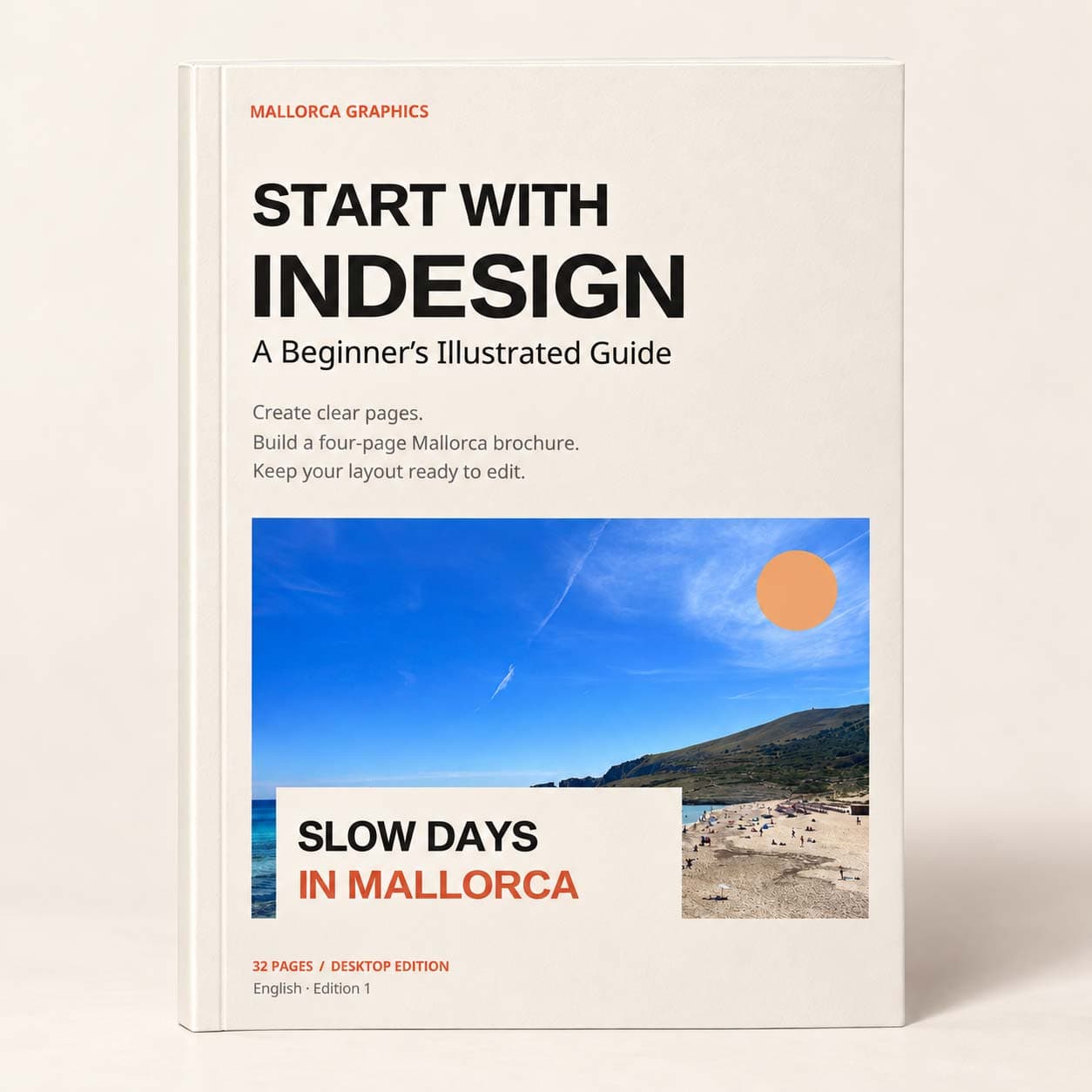
Start with InDesign: A Beginner's Illustrated Guide
Price:
9.90€

Turn a manuscript into a publication with this 40-page illustrated PDF and practice pack. Clean Word styles, map them into InDesign and build an eight-page A5 booklet, using starter and clean DOCX files, an eight-page reference PDF and checklists.
Adobe InDesign
A Word manuscript becomes much easier to lay out when its structure is clear before it reaches InDesign. From Word to Print: Your First Publication in InDesign is a 40-page illustrated guide to a practical Word to InDesign workflow, following one manuscript through cleanup, layout, revision and output checks.
The project is an eight-page A5 booklet called A Small Guide to Looking Slowly. You work with real supplied text, a photograph, a page plan and named styles. A starter DOCX gives you material to clean, while a separate clean version provides a checkpoint before you place the manuscript into InDesign.
Build a publication that can survive revisions
The lessons treat proofing as part of the design process. A changed paragraph can affect the next page; a replaced photograph can change a crop; an export preset still needs to match the delivery brief. The guide helps you trace those dependencies and review the saved result rather than stopping when the layout looks finished on screen.
What is included
The digital download contains the 40-page guide and a practice pack with starter and clean DOCX manuscripts, a source photograph, supporting publication copy and an eight-page completed-reference PDF. Eight reference page images, a layout card, manuscript checks, a printer-specification worksheet and a final review checklist support each stage. Font files, licence notices and official Microsoft and Adobe reference links are also included.
The eight-page publication is the practice project, separate from the 40-page guide. Its reference PDF shows the intended layout and gives you something concrete to compare with your own work.
Who it is for
This book is a next step for readers who already know how to select objects, draw frames and save a document in InDesign. It suits first-time publication makers working with a short booklet, guide or other text-led project. Microsoft Word desktop and Adobe InDesign desktop are required; their licences are not included.
The reference is not a printer-approved production PDF. Confirm your printer's specifications and inspect your own exported files before sending work to print.
Unable to load reviews. Please try again later.
No reviews yet. Be the first to write a review!