



Editor’s Note
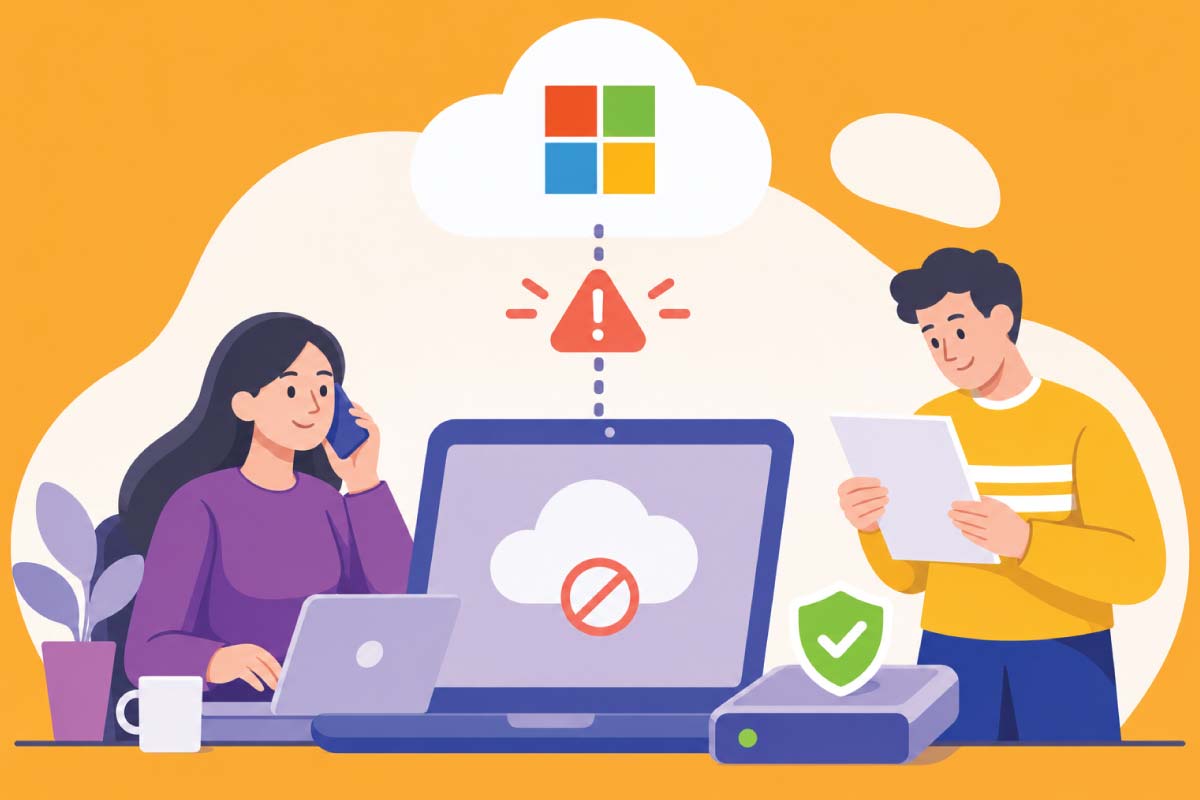
The recent Microsoft 365 outage was a reminder of how much everyday business now depends on services outside our control. Beyond the immediate disruption, it raises a question worth considering: if your main digital tools stopped working tomorrow, could your company continue serving its customers?
Imagine starting the working day with a customer waiting for a quotation, a colleague preparing a presentation and several appointments to confirm. Then Outlook stops responding. Teams will not connect, and nobody is quite sure whether an important message has been delivered.
At first, it feels like a small technical inconvenience. You restart the application, check the internet connection and ask whether anyone else is having trouble. As the same answers arrive from colleagues, it becomes clear that the problem is much bigger than one computer.
Your team is available and your customers still need you, but the tools connecting everyone have become unreliable.
A Brief Look at What Happened
The Microsoft 365 disruption began on 12 November 2026 and affected services including Outlook, Teams and Copilot. Microsoft reported full restoration on 14 November, following reports of problems across more than 70 countries and territories.
Some coverage mentioned over 430 million users. That figure describes Microsoft 365’s reported user base; the number actually affected was not established.
For individual businesses, however, the size of the global audience matters less than the work interrupted inside their own organisation. An unanswered enquiry, an inaccessible document or a missed approval can have consequences long after the service returns.
There are good reasons why companies bring email, meetings, documents and collaboration into one environment. Employees can move between tasks easily, information is shared quickly and fewer separate systems need to be managed.
Over time, that convenience becomes part of how the business operates. A meeting invitation contains the project link, the project document contains the customer information and the same account provides access to other applications. The connections are so familiar that people rarely notice them.
Until something stops working.
What looked like several useful tools can suddenly reveal itself as one shared dependency. Losing access to a single service—or the account that connects those services—may affect communication, information and decision-making at the same time.
The Problem Can Reach Further Than Email
Consider a small property company arranging a viewing. The appointment is in an online calendar, the customer’s number is in email and the access instructions are in a shared document. Each part of the process works comfortably during a normal day, but the employee may struggle to complete the viewing if those details become unavailable together.
An online shop faces a different version of the same problem. Its website might continue accepting orders while staff cannot receive notifications or coordinate dispatch. Customers see a functioning shop, yet the people behind it are working with incomplete information.
These examples show why an outage deserves attention beyond the IT department. Technology supports the operation, but the consequences reach customers, employees and the company’s reputation.
Customers Experience the Delay, Whatever Its Cause
A customer may understand that Microsoft is experiencing difficulties. They still need to know whether their booking is confirmed, their payment was received or their urgent request is being handled.
When the business cannot answer, uncertainty grows. Employees may repeat work because they cannot check what has already happened, while customers make additional calls or send messages through several channels. A technical interruption gradually creates an administrative backlog.
Even after access returns, somebody must work through delayed messages, reconcile temporary notes and identify anything that was missed. The real recovery therefore takes longer than the outage itself.
Can We Protect Ourselves from This?
We cannot prevent a major supplier from experiencing a failure. We can, however, reduce how much of our own business becomes dependent on its immediate recovery.
That starts with a change in the question we ask. Instead of assuming that the normal systems will always be available, consider what the company needs to keep doing when they are not. Which customers need an answer today? Which appointments must still take place? Which information would employees need to complete that work?
The answers provide the foundation for a practical continuity plan. For a small company, this may be a short set of agreed procedures rather than a substantial technical project. What matters is whether people can use it under pressure.
👉 Also read: Website Maintenance Contracts: What Every Business Should Expect
The strongest preparation begins with the ordinary details of the working day. Once those are understood, choosing useful safeguards becomes much easier.
Give Your Team a Way to Stay in Contact
During an interruption, people first need to know what is happening and how to reach one another. If company email and Teams are unavailable, an agreed telephone or SMS arrangement may be enough to coordinate urgent work.
The important detail is that the alternative must remain accessible. A second application offers limited protection if everyone must sign into it through the same service that has failed. Likewise, an emergency contact list is of little use when its only copy sits inside an inaccessible shared drive.
Keep the necessary contact details available through an approved, protected route, and agree who will coordinate the response. Employees should know where updates will appear and who decides when to use temporary procedures. This reduces confusion and gives customers a more consistent answer.
Make Essential Information Accessible Before You Need It
Once the team can communicate, the next challenge is finding enough information to continue working. That does not require copying the company’s entire archive onto every laptop. It means identifying the small amount of current information that would be difficult to work without.
For one company, that might be the day’s appointments and customer contact details. For another, it could be active job instructions, delivery schedules or the documents needed for an important deadline. Keep those copies current, restrict access appropriately and use approved devices with suitable protection.
A File You Can See May Still Be Online Only
Cloud storage can make this less obvious than it sounds. A document may appear in a desktop folder even though its contents have not been downloaded. With OneDrive Files On-Demand, online-only files need connectivity before they can be opened.
Selected files can be downloaded in advance using “Always keep on this device”, subject to company settings. The useful test is to confirm that the downloaded file opens with the applications available on the computer. Discovering that limitation during an outage is too late.
Offline access will not restore email delivery or live collaboration, but it can allow important work to continue while those services recover.
Understand What Your Backups Would Actually Allow You to Do
Many companies feel reassured because their information is backed up. That protection matters, but a backup and an accessible working copy serve different purposes.
A backup helps recover lost or damaged information. During an outage, the immediate need may be to read a customer record or finish a document. If accessing the backup requires specialist assistance, a lengthy restoration or the same unavailable account, it may not help with that immediate task.
Ask how essential information would be retrieved, who could retrieve it and where it could be used. A successful backup notification is encouraging; a tested recovery provides much stronger evidence.
👉 Also read: Why Every WordPress Website Needs a Reliable Backup Strategy: Why We Recommend UpdraftPlus
The same thinking applies to your website. Its backup should support a clear recovery process, with access arrangements that remain usable when something goes wrong.
Your Website Can Help Keep Customers Informed
Depending on its hosting and connected services, your website may remain available while company email is disrupted. That can make it a useful place to publish a short notice and provide a temporary contact method.
However, the website’s appearance tells only part of the story. A contact form may display a success message while relying entirely on email to deliver the enquiry. A booking system may accept a reservation even though staff cannot see the notification.
Review how those requests are recorded and how authorised employees can retrieve them. Where appropriate, securely retaining submissions within the website or another agreed system can provide an additional record. Access and retention should reflect the sensitivity of the information involved.
It is also worth checking whether someone can publish an urgent update without depending on an unavailable sign-in service. A reliable customer communication route needs to work from beginning to end.
More Software Does Not Automatically Mean More Protection
After a major outage, moving everything to another supplier can feel tempting. Another provider may suit the business better, but the decision should follow a review of requirements rather than the frustration of one incident.
Every provider can experience problems. Maintaining several platforms also creates additional costs, accounts and information that must be kept current. The useful aim is to introduce independence where it protects an important business activity.
For a small company, an accessible contact list, selected offline documents and a rehearsed communication plan may provide more practical value than a second complete office system. Larger organisations may need broader arrangements, but those should address identified dependencies.
Find the Gaps While Everything Is Working
A short rehearsal can reveal more than a plan that nobody has tried. Ask your team to explain how it would handle the next two hours without company email, shared documents or its usual meeting application.
Follow a realistic customer request through the process. Can the employee find the necessary details, contact a colleague and record what was agreed? Where the process becomes difficult, you have found something concrete to improve.
During a real incident, one person should monitor official service updates and coordinate the company’s response. Microsoft provides service health information through its administration centre and a public status page when normal access is unavailable.
After recovery, review delayed messages and temporary records before declaring the work complete. That final check helps prevent the interruption from turning into missed commitments several days later.
Key Takeaways
- Connected applications may share dependencies that interrupt several business activities together.
- Your team needs an agreed communication route that remains accessible during an outage.
- Selected essential information should be available, protected and tested before it is needed.
- Backups support recovery, while continuity arrangements help people continue their work.
- Check how website enquiries, bookings and orders are recorded when email delivery fails.
- A realistic rehearsal reveals whether the arrangements work in practice.
Conclusion
The Microsoft outage exposed a vulnerability that many companies share: everyday work depends on services they cannot directly control. That dependence brings considerable convenience, but it also deserves preparation.
A business becomes better protected when it understands what must continue, gives employees access to essential information and agrees how customers will be supported during disruption. These measures cannot guarantee uninterrupted operation, but they can make an unexpected failure far more manageable.
Prepare the Website Your Customers Depend On
Mallorca Graphics provides WordPress maintenance, scheduled backups and technical support within an agreed service scope. We can help review website forms, connected functions and recovery arrangements so you understand where enquiries are recorded and how the website can support your business during disruption.
Final Thought
The next outage may come from a different provider and affect a different part of the working day. Taking time to prepare now gives your team something valuable when that happens: a clear next step.
Frequently Asked Questions
Can a company prevent a Microsoft 365 outage?
No. A company cannot control Microsoft’s infrastructure, but it can reduce disruption through alternative communication, accessible essential information and tested working procedures.
Would changing providers remove the risk?
No. Other providers can also experience outages. Any migration should address the company’s requirements and dependencies, supported by a practical continuity plan.
Are OneDrive files automatically available offline?
No. Online-only files require connectivity. Download selected essential files in advance and check that they open using the applications available on the device.
Are backups enough to keep a business working?
Not always. Backups support data recovery, but accessing or restoring them may take time. Employees also need usable information and agreed ways to communicate and complete urgent tasks.
What is the best first step for a small business?
Identify the work that cannot wait, prepare an accessible contact list and essential documents, and agree an alternative communication route. Then test the arrangements with a realistic customer request.



0 Comments